
The 30-Minute Google Business Profile Tune-Up
Six quick jobs, five minutes each, to get your Google Business Profile running properly. A practical half hour that helps more locals find you and ring you.

Jamie Clarke
27 May 2026 · 4 min read
If I could only do one thing for a local service business’s marketing, it wouldn’t be the website, the socials or the ads.
It’d be their Google Business Profile, the box that shows up on the map when people nearby search for what they do.
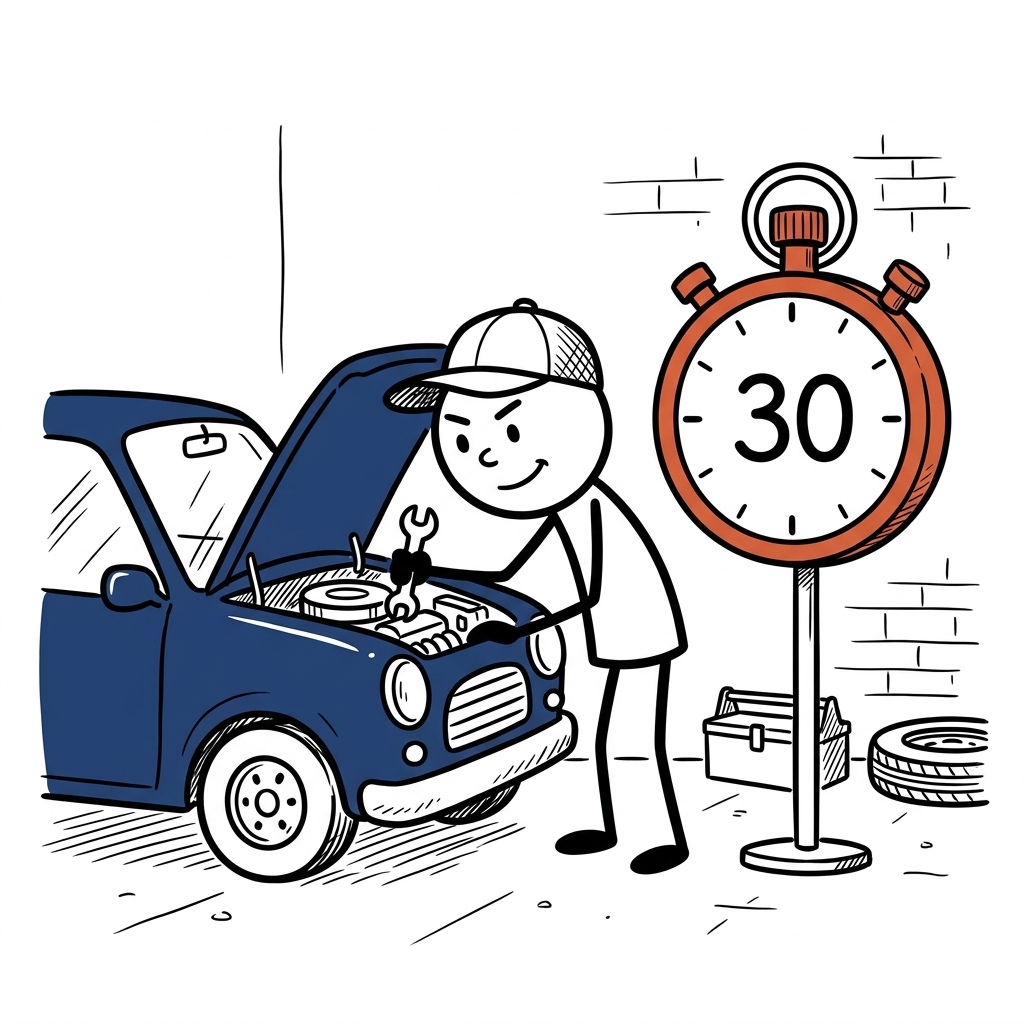
Think of this as a quick service on the car.
Nothing fancy, no new engine, just the checks and the bits that have been ignored for too long, so it runs properly again.
Half an hour, six jobs, five minutes each, so get a brew, open your profile and set a timer.
(I’m using a dog groomer as the example all the way through, swap in your own business as you go.)
Minutes 0 to 5: Claim it and check the basics
Search your business name on Google.
If you see your profile and there’s an “Own this business?” link, click it and claim it.
Then check the boring stuff that quietly costs you: name, address, phone number and opening hours, all exactly matching what’s on your website.
If your profile says you’re closed at 2pm on a Tuesday because you never set your hours, that’s costing you calls today.
Minutes 5 to 10: Fix your categories
Your main category tells Google what you are, and most local SEO folk will tell you it’s one of the most important things on the whole profile.
Be as specific as Google lets you.
“Dog groomer”, not “Pet store”, if grooming is what you actually do.
Then add any extra categories that genuinely apply (and only the ones that genuinely apply).
Minutes 10 to 15: Add your services
Add every service you offer, with a short description of each.
Google uses these to match you to searches, so “nail clipping” or “puppy’s first groom” can find you even when someone’s never heard your business name.
If you’re happy to, add a “from” price too, because it helps people work out if you’re right for them before they ring.
Minutes 15 to 20: Photos
Add real photos, at least ten if you can.
You, your team, the van or the premises, and the work itself - before-and-afters are perfect, and for a groomer a scruffy dog next to the same dog all fluffed up says more than any description.
No stock photos, people can spot them a mile off.
Google’s own 2026 guide says businesses that add photos to their profile get 42% more requests for directions on Google Maps (Google).
Then set a monthly reminder to add a couple more, so it never looks out of date again.
Minutes 20 to 25: Set up your review link
In your profile there’s an option to ask for reviews, which gives you a link that takes people straight to the review box.
Copy it and save it somewhere you can send it from your phone in two taps.
From now on, every happy customer gets it at the moment they say something nice (at the collection, when they see their dog, not a week later in an email).
Then reply to every review you’ve already got, including the old ones.
Minutes 25 to 30: Post something
You can post updates straight onto your profile, like a little social feed: a recent job, a tip, an offer.
Almost nobody does it, which is exactly why you should.
It shows anyone looking that the business is open and busy, and it gives Google something fresh to work with.
One post now, then one a week, five minutes each.
What happens next
Nothing overnight, it doesn’t work like that.
Even your edits get checked by Google first, which it says usually takes up to 10 minutes but can take up to 30 days (Google).
But like any service, the car runs better straight away and keeps running well if you keep on top of it.
The tune-up gets you moving, but keeping it there is a weekly habit: a post, a couple of photos, replying to new reviews.
Fifteen minutes on a Friday is plenty, so put it in your diary now while you’re thinking about it.
If you want to know WHY all this matters so much, I’ve written about that in Your Google Business Profile Is Free. So Why Are You Ignoring It?
Want to see where you stand?
Your Google profile is one of the things I check in Your Web Review, along with your website, reviews and socials. You get a video of me going through it all and the three things I’d fix first.
No big sales pitch.
And if you’d like one short email every Sunday on making your marketing easier, get the Marketing Memo. It’s free.
Free Kit · 9 pages
The Google Review Kit
Get more Google reviews by asking at the right moment, with the right link.
By signing up you agree to receive marketing emails. Unsubscribe anytime. Privacy policy.
It's on its way! Check your inbox in the next few minutes.
Something went wrong. Please try again.
Want me to look at yours?
I'm Jamie. I help coaches and small business owners turn their website and marketing into a steady stream of enquiries. Grab a free web review and I'll show you your quickest wins, no big sales pitch.