
Why I'm Moving My Clients Away From WordPress (And What I'm Using Instead)
I've built more WordPress sites than I can count, but for most service businesses it's not the right tool any more. My honest reasons, and what to check.

Jamie Clarke
30 March 2026 · 6 min read
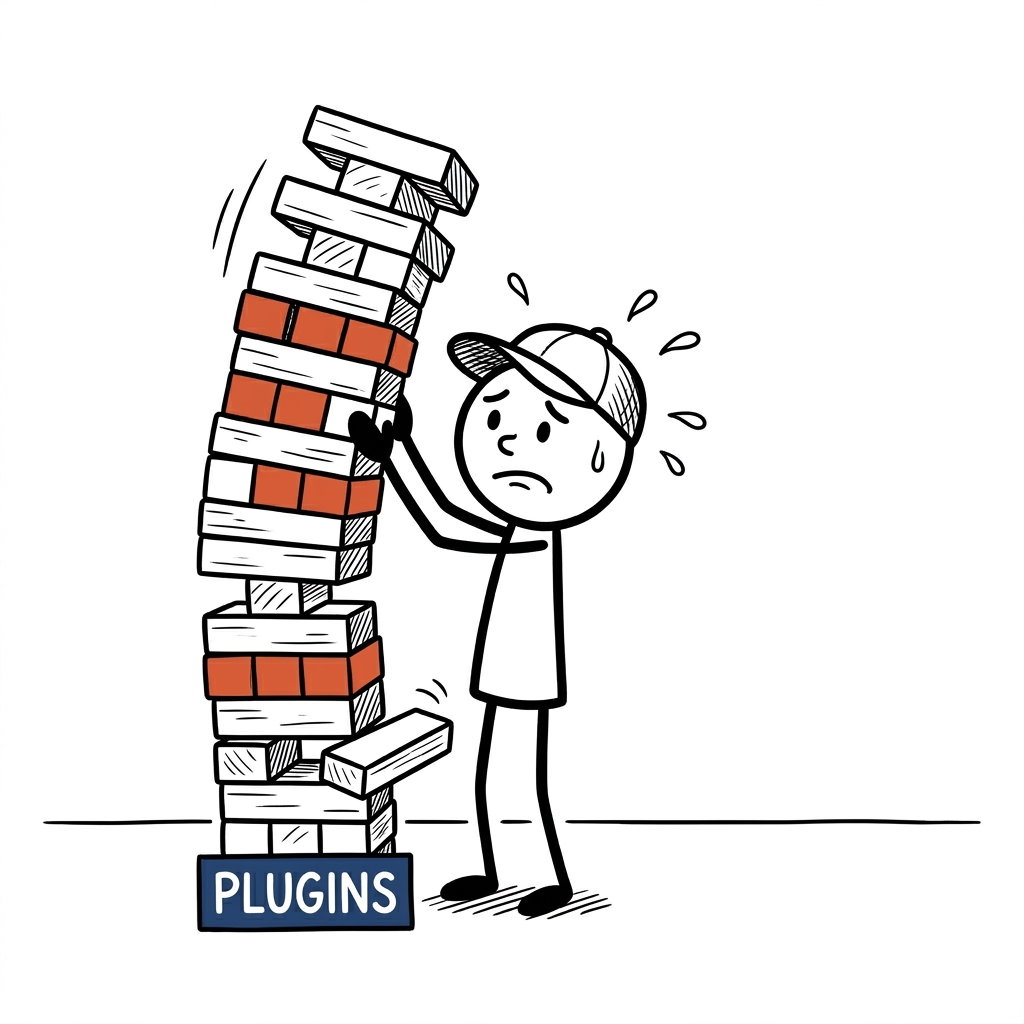
Let me be straight with you from the off.
I’ve built more WordPress sites than I can count.
I know it well, I recommended it to clients for years and I made a good living from it.
So this isn’t a hit piece.
It’s my honest reasons why, for most (not all) small service businesses, it’s probably not the right tool any more.
WordPress became the default, but should it still be?
There’s a reason WordPress runs nearly 40% of the websites on the internet (39.7% in October 2026, according to W3Techs).
When it came along it made building a website properly accessible - no hand-coding, just install a theme, add some plugins and have something live within a day.
For blogs, news sites and big content-heavy businesses it’s still a solid choice, and there are developers everywhere who know it inside out.
But, most service businesses aren’t running a news site.
Say you’re a physio.
You need a website that looks professional, loads fast, shows up on Google and doesn’t give you a headache every few months.
And WordPress, when it’s left unmanaged or set up badly, struggles with all of those.
The problems I keep seeing
Security, the big one
I’ve had clients ring me in a panic because their website had been hacked.
I see it all day in WordPress groups online as well.
Pages swapped for spam, Google flagging the site as dangerous, visitors redirected somewhere dodgy.
It’s more common than most people realise.
WordPress itself isn’t the problem.
The stuff bolted on to it is.
Every plugin, theme and add-on is another door into your website, and if you’re not keeping on top of the updates (and most owners aren’t, because they’re busy running a business) those doors start looking very inviting to the bots that go round checking them.
Cleaning it up costs money, but it also costs you time, stress and trust, because nobody wants to land on a site that’s been hacked.
Speed, death by a thousand plugins
WordPress builds your pages on the fly.
Every time someone visits, it goes off to a database (where all your content is stored), pulls everything together and serves it up, and that takes time.
Now add a heavy theme, ten plugins all loading their own bits, images that have never been shrunk down and cheap hosting.
You’ve got a slow website.
Here’s a real PageSpeed Insights score (Google’s free speed test) from before I rebuilt one of my client’s sites.
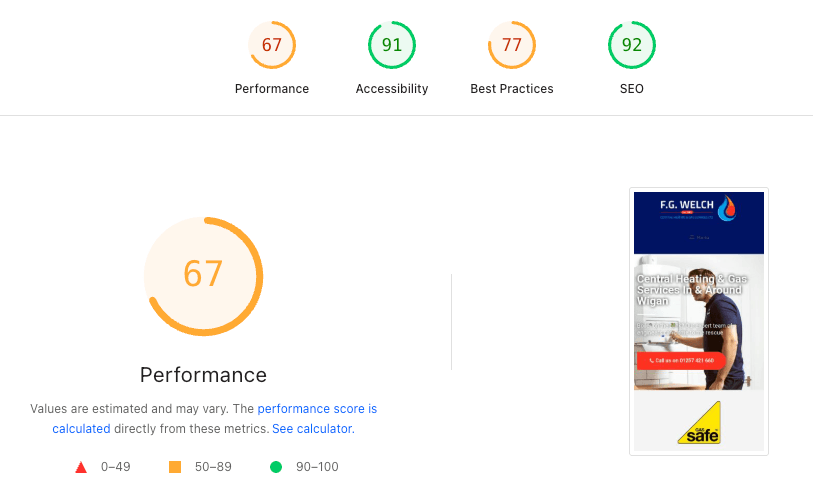
That score isn’t unusual.
I did over 50 website reviews last year, and along with no clear next step for the visitor and no way to capture their details, page speed was one of the biggest problems on most of them.
And it matters, because Google uses speed when it decides who to show, and slow sites lose people before they’ve read a word.
Maintenance, the bill that never stops
WordPress isn’t build it and forget it.
Core updates, theme updates, plugin updates.
Sometimes an update breaks something else and you’re spending an evening sorting it (or paying someone to), on top of the hosting, on top of the plugin renewals.
The painful bit?
Most people don’t realise what it’s costing them until something actually breaks.
You’re at everyone else’s mercy
This one bites people when they least expect it.
When your site is built on a theme and a stack of plugins, you’re relying on every one of those developers to keep looking after their product.
Premium themes get abandoned.
Free plugins go paid.
The developer behind the one plugin you rely on disappears.
Then you’ve got a site that doesn’t work properly, and the only real fix is paying someone to rebuild that bit or starting again.
So what am I using instead?
For the last while I’ve been building client websites a completely different way.
A modern static setup.
I won’t get too technical, because you don’t need the details, just what it means for you.
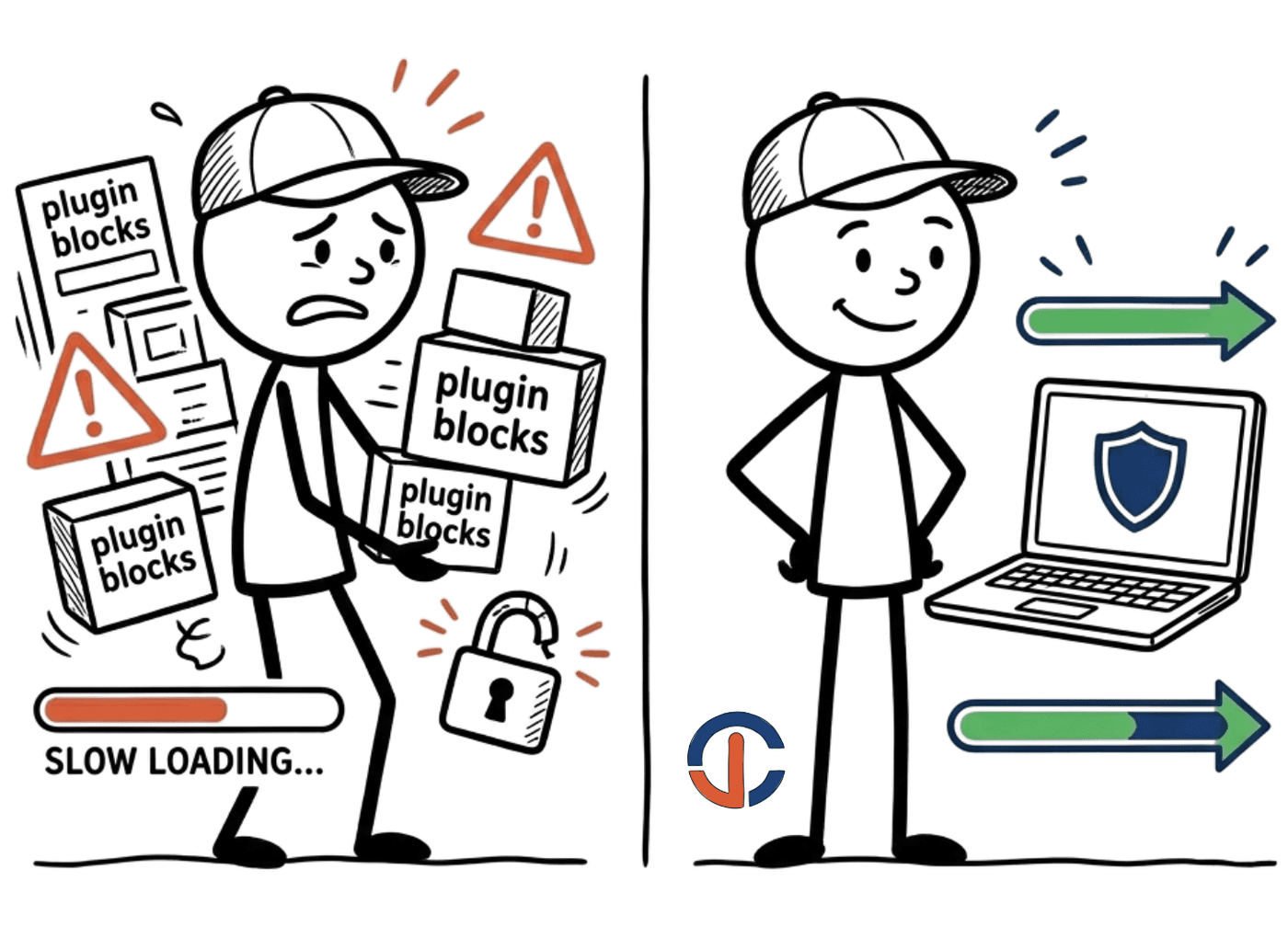
No database. The site is just files, so there’s nothing to break into, no login page for bots to hammer and no plugins to exploit.
No plugins. Everything is built clean, for a reason, with nothing loading from seventeen different places.
Hosted on a global network. Your site is served from somewhere close to whoever’s looking at it.
It’s fast.
VERY fast.
Here’s the same client’s site before and after.
Before: 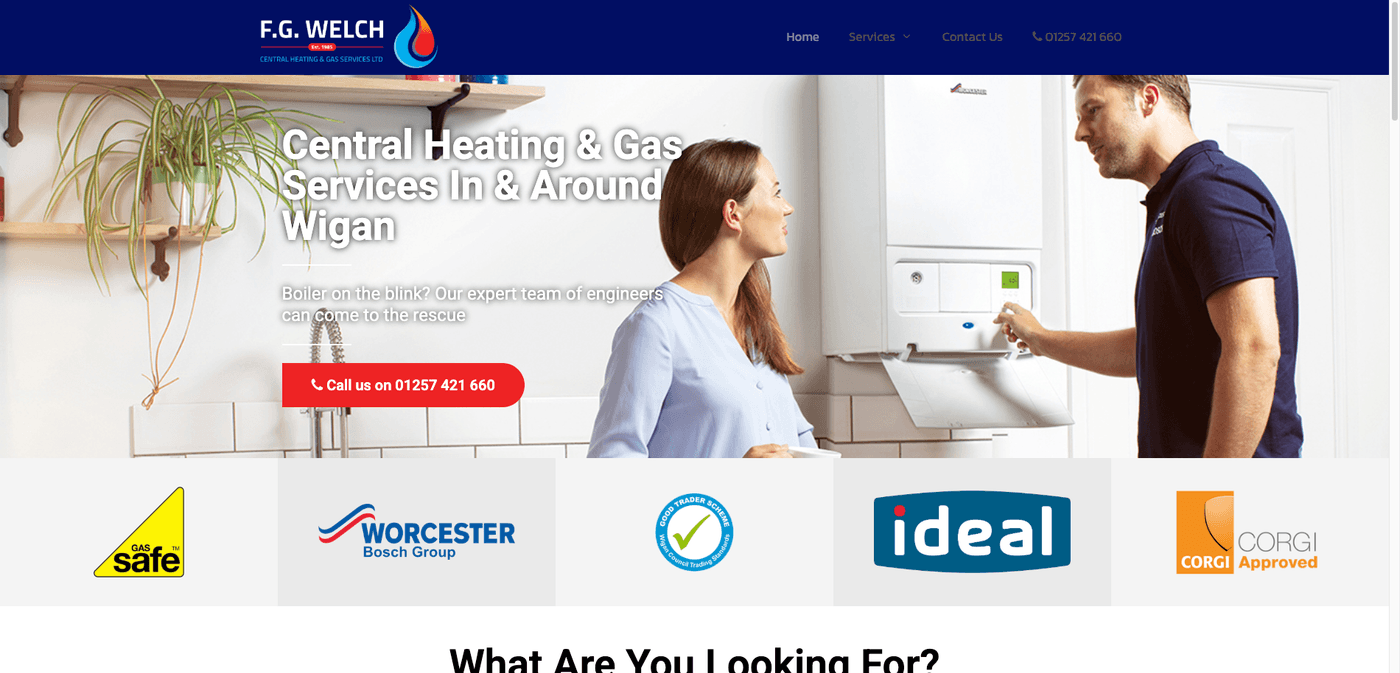
After: 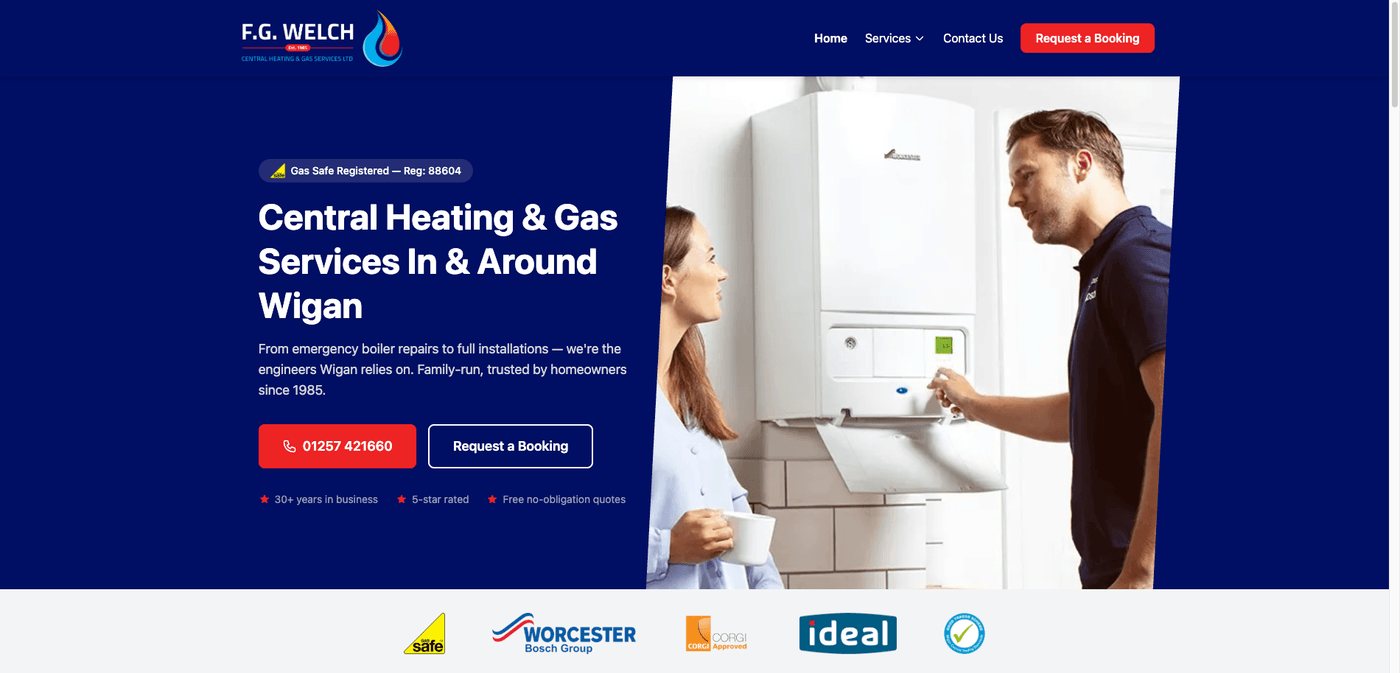
And here’s what PageSpeed says now.
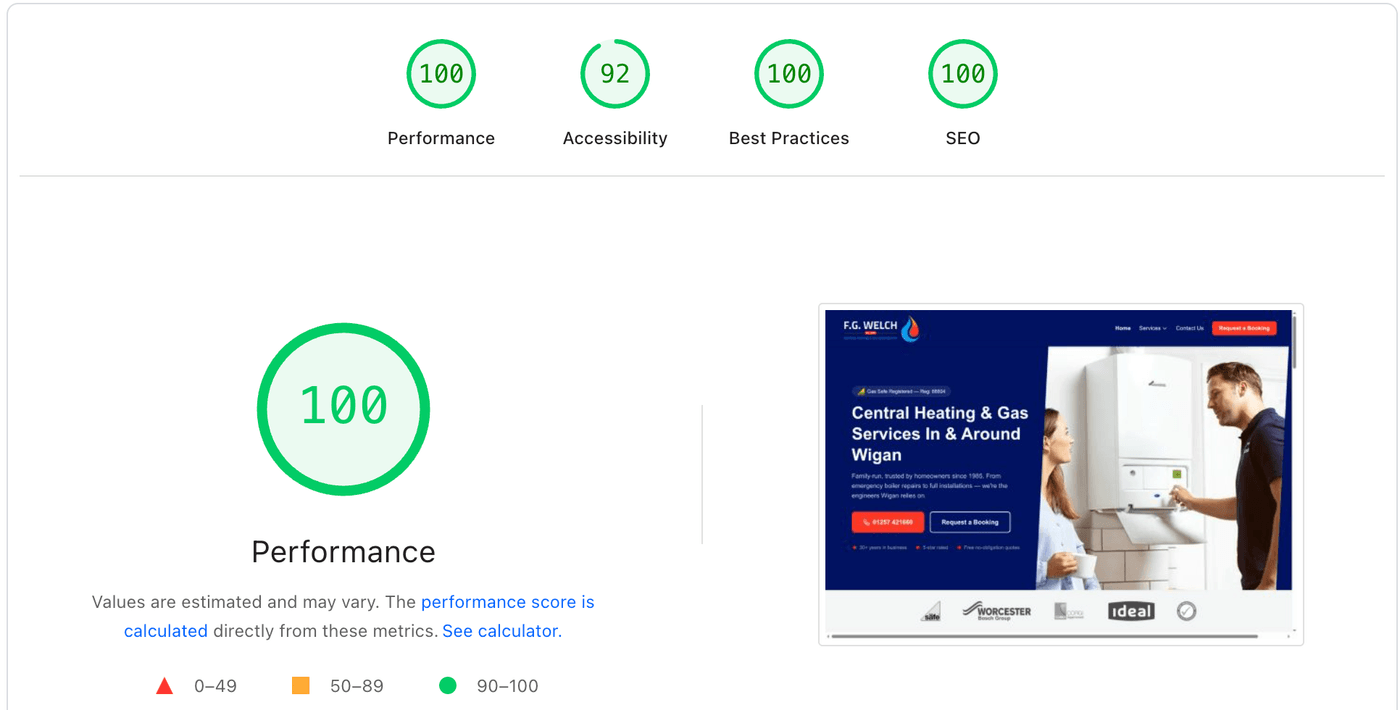
That’s a different website, not a small tweak.
What actually changed
Speed. The scores speak for themselves, and Google’s Core Web Vitals (the checks it uses to score how your site feels to use) went from orange to green across the board.
Security. No database, no plugins, no WordPress login page, so there’s nothing for the bots to find, and the hosting looks after the padlock (SSL) and attack protection automatically.
Google. Google has said page experience counts, and a faster, cleaner site is easier for it to read and less likely to be down when it comes to look.
Cost. Hosting at this size is free or near enough, with no plugin renewals, and once it’s built it just runs.
To be fair, what WordPress still does well
I promised honest, so here it is.
If you’re running a big publication with a team writing every day, WordPress is still a powerful way to manage it.
If you need a full online shop, WooCommerce is mature and does the job.
If you’ve got staff who aren’t technical making changes all the time, WordPress is familiar to a lot of people.
And if it goes wrong, there’s a huge pool of developers who can help.
For those, it still makes sense.
Most service businesses don’t need any of that though.
“But what about adding blog posts or making small changes myself?”
Fair question.
A simple editor can sit on top of a static site, so you can still write posts and change your opening hours without dragging in everything else WordPress brings with it.
Who should be thinking about this?
If your website is there to win you work rather than publish three articles a day or run a shop, this is probably you.
It needs to look credible, load fast, show up on Google and turn visitors into enquiries.
That’s it.
If you’ve had a site hacked…
If your PageSpeed score makes you wince…
If you’re paying out every month for hosting and plugins and you’re not sure what you’re getting for it…
…it’s worth thinking about what your website is actually built on, before it breaks rather than after.
Your job today
Go to PageSpeed Insights, type in your website address and run the test on mobile.
Write down the score.
Then log in to wherever your site lives and count how many plugins are waiting for an update.
If both numbers make you wince, you know where your weak spot is.
Want to see the whole picture?
Speed is one of the 27 things I check in Your Web Review, along with your website, Google profile, reviews and socials.
You get a video of me going through it and the three things I’d fix first, whatever your site is built on.
No big sales pitch.
And if you’d like one short email every Sunday on making your marketing easier, get the Marketing Memo. It’s free.
For the developers and the curious: I build with Astro and host on Cloudflare. If you want the nerdy version, drop me a message.
Free Guide · 14 pages
The Perfect Customer Journey: A Plain English Guide
See your whole marketing on one page, and spot the stage you're missing.
By signing up you agree to receive marketing emails. Unsubscribe anytime. Privacy policy.
It's on its way! Check your inbox in the next few minutes.
Something went wrong. Please try again.
Want me to look at yours?
I'm Jamie. I help coaches and small business owners turn their website and marketing into a steady stream of enquiries. Grab a free web review and I'll show you your quickest wins, no big sales pitch.